How to access your System Email Log in Softbase Evolution
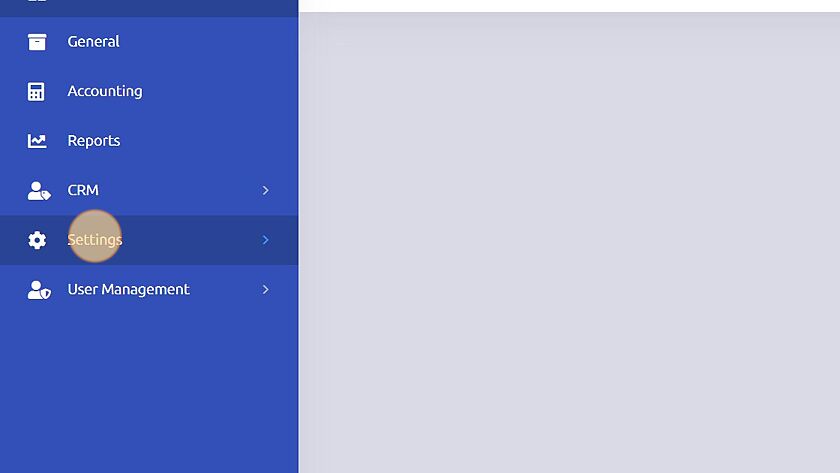
1. Click "Settings"
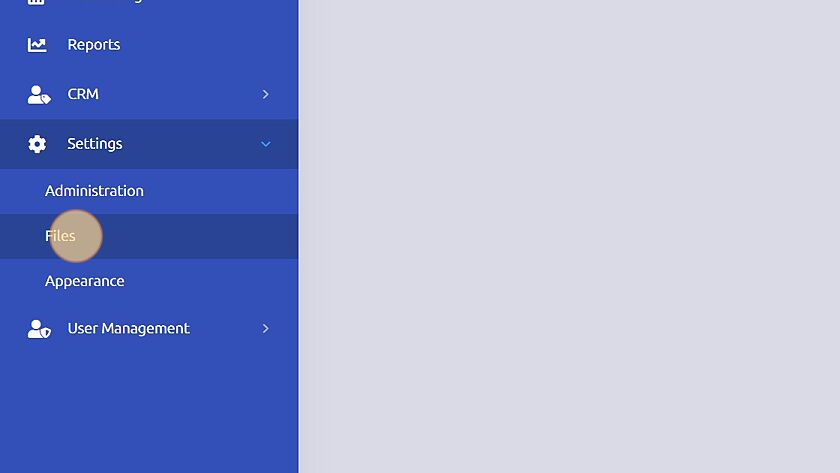
2. Click "Files"
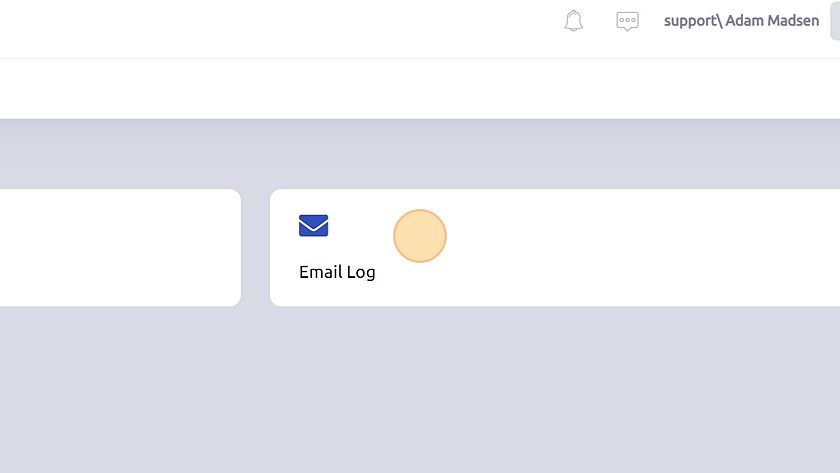
3. Click "Email Log"
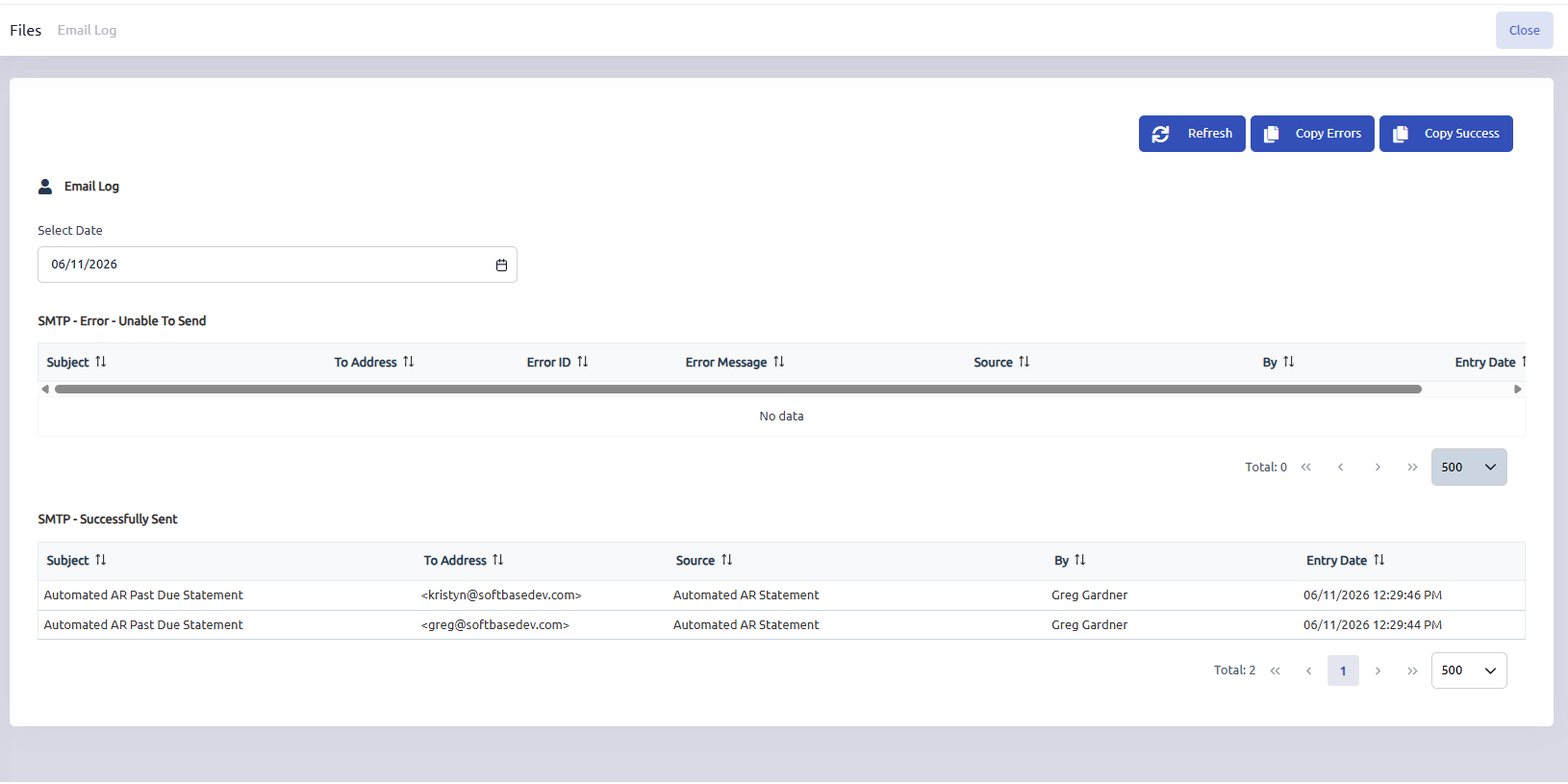
4. Any emails that were unable to send will be listed at the top along with the corresponding error that was received when attempting to send. Those emails that were successfully handed off from the email server will display on the bottom grid, and users can choose the date to view applicable items for that timeframe.
Was this article helpful?
That’s Great!
Thank you for your feedback
Sorry! We couldn't be helpful
Thank you for your feedback
Feedback sent
We appreciate your effort and will try to fix the article