1. General > Parts > Inventory Counts

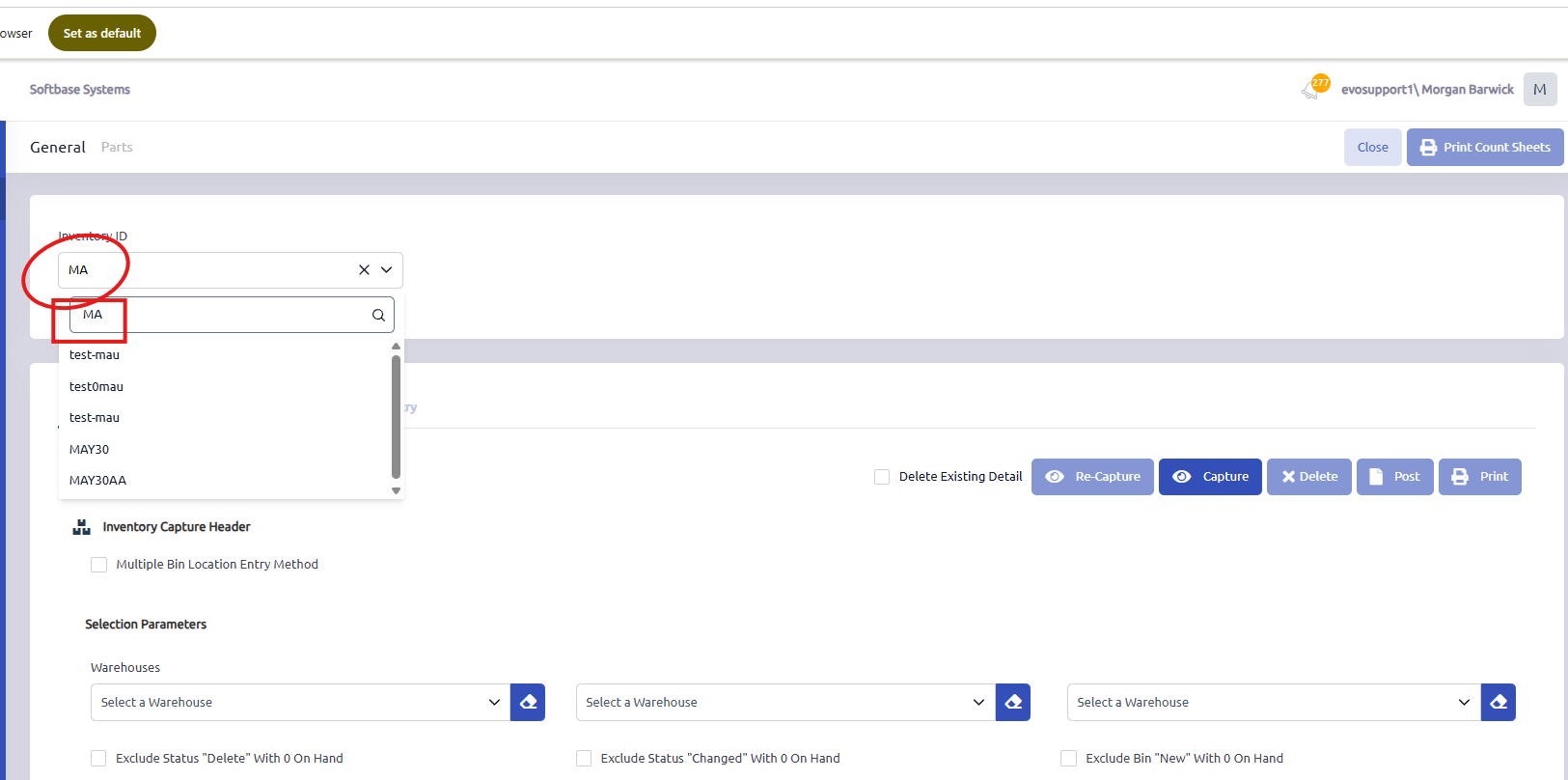
2. Enter a new Inventory ID for a new count or select an existing ID from dropdown to maintain an existing count.

3. Check this box if you would like to create an Inventory Count using the Multi Bin Entry tab to count parts. If box is unchecked, Single Bin Entry will be used.
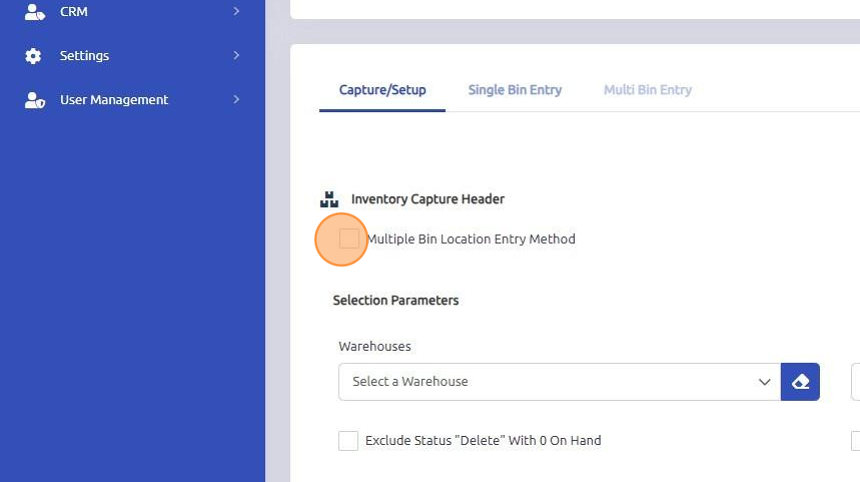
4. Select the Warehouse you would like to generate your inventory for from the dropdown that you wish to count. Note: up to three may be selected. You can choose to include all parts in the warehouse or to exclude some statuses with 0 on hands as needed to consolidate the list of parts to count using the checkboxes below the warehouses options.

5. Check the Cycle Count box if you're running a Cycle Count. The fields below will enable to then enter in the criteria on which to select parts from the warehouse above to count.

6. Click Capture. The current Inventory List will populate - do not make changes to bin locations or add parts until all posting of inventory has been completed. You can then print count sheets for the captured inventory and perform the counts.

7. Open Single Bin / Multi Bin Entry tabs to enter in the parts counts.

8. Select part that you wish to enter a count for.

9. Enter Count and click Enter key to move through the part entries. Only parts that have an entered count will be updated in inventory. If the count is left blank, no action will be take on the part record and the on hand count will not be impacted by the inventory.

10. Open "Capture/Setup" tab to Post and Print Inventory count.
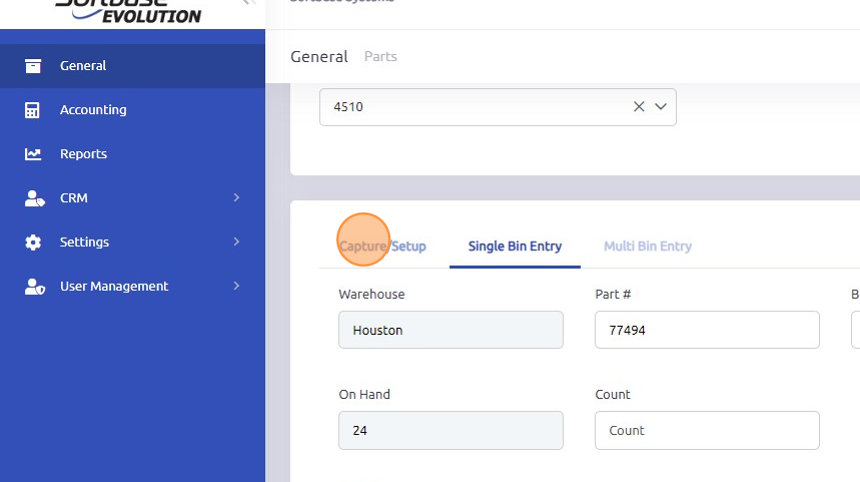
11. Make print selections under Display Parameters - print either Not Counted report, Count Variance report or Value Variance report.

12. Click "Print"

13. When ready and all variances have been reviewed and approved, click here to Post inventory count.

How to cancel/reverse an inventory count
Once an inventory count has been posted, adjustments would need to be made either by entering another inventory count or as a manual update to the On Hand Quantity in the part record(s).
**Note - any part numbers that were found or counted but not included on the count sheets would need to be handled as a manual update to the On Hand Quantity in the part record(s). Only parts with an entered count will be updated by the inventory process.
Retrieving valuations/balances during the inventory process
If you are doing a full physical inventory for year end, you will also want to consider running the Inventory Valuation Details report before and after the inventory count in addition to running the variance reports available within the inventory counts module.
Reports > Parts > Parts Inventory Valuation Detailed
Revisiting a posted inventory
If the user needs to access an inventory that has already been posted, they can manually search for the Inventory ID in the Inventory ID field. It will not be available via the drop-down options once it has been posted and completed, but the user can still enter a value to enable a search across all inventories on record, and the system will pull that inventory data. Users can then run reports that may have been missed previously or review the data. They cannot make any adjustments to the inventory once it has already been posted.
Was this article helpful?
That’s Great!
Thank you for your feedback
Sorry! We couldn't be helpful
Thank you for your feedback
Feedback sent
We appreciate your effort and will try to fix the article