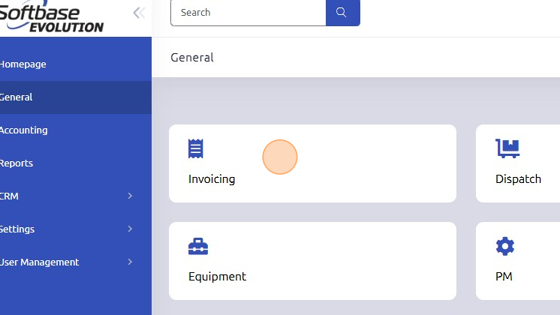
1. Open Invoicing from General tab.
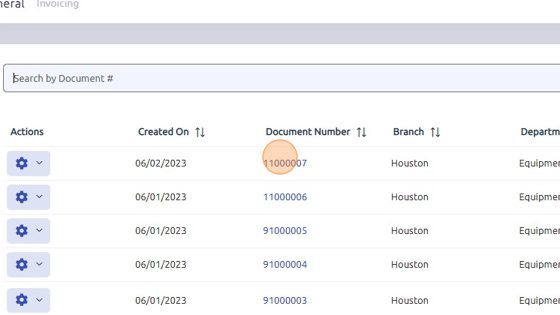
2. Open work order.
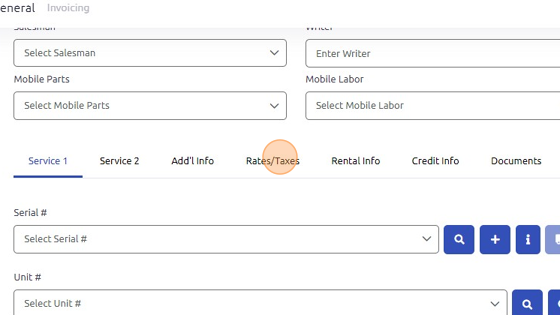
3. Open Rates/Taxes tab.
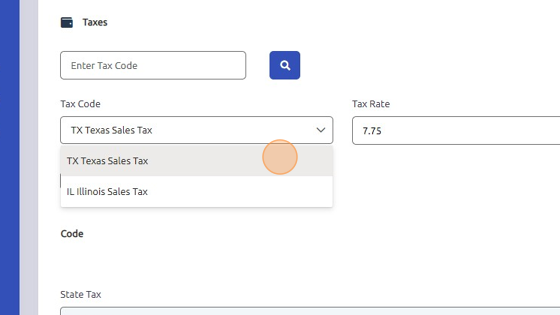
4. Select Tax Code associated with your zip code or company. Tax Rate will auto-populate.
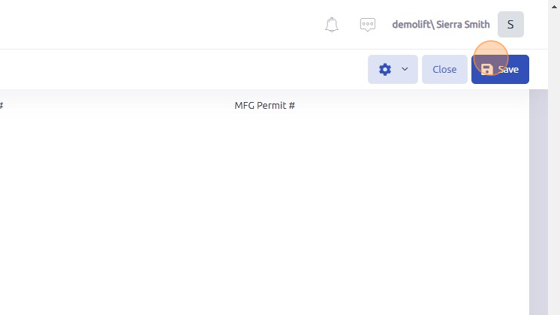
5. Click "Save"
Was this article helpful?
That’s Great!
Thank you for your feedback
Sorry! We couldn't be helpful
Thank you for your feedback
Feedback sent
We appreciate your effort and will try to fix the article