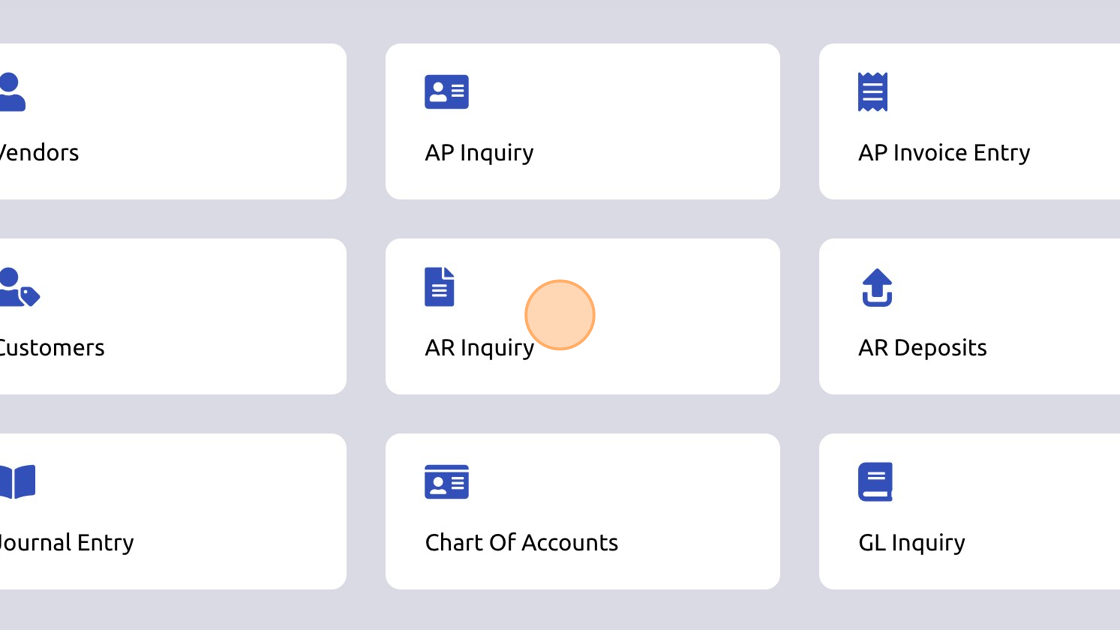
1. Click "AR Inquiry"
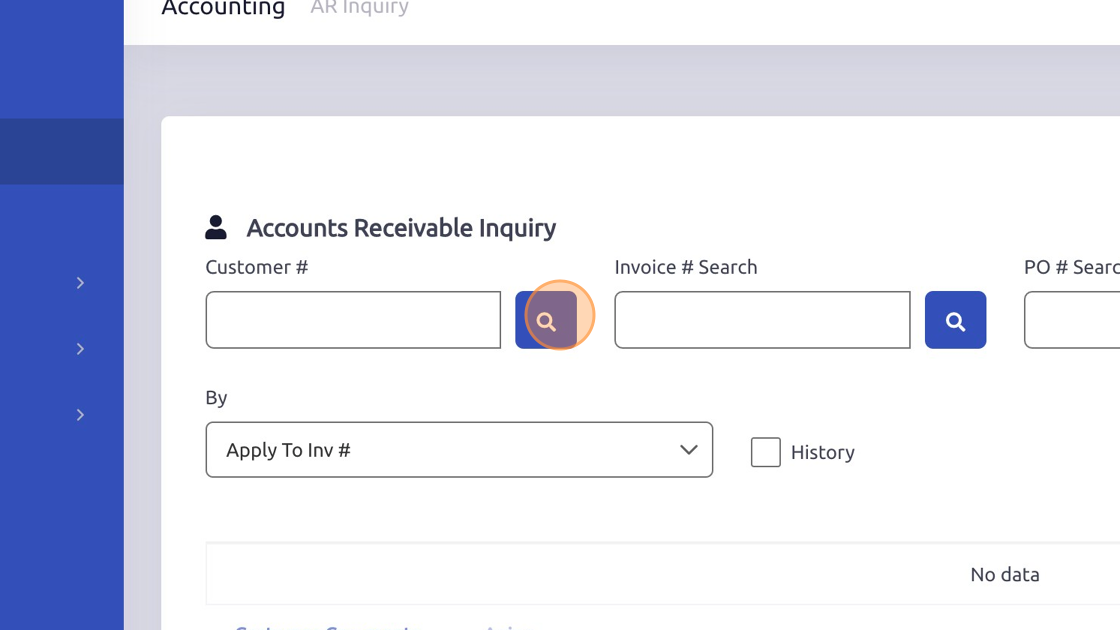
2. Search for customer.
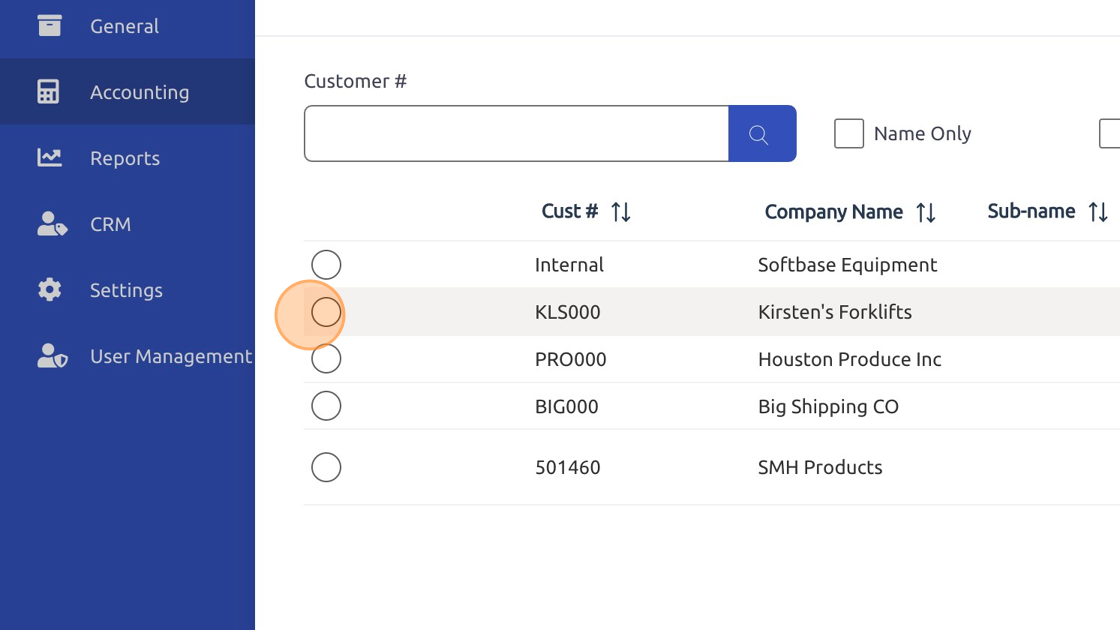
3. Select customer.
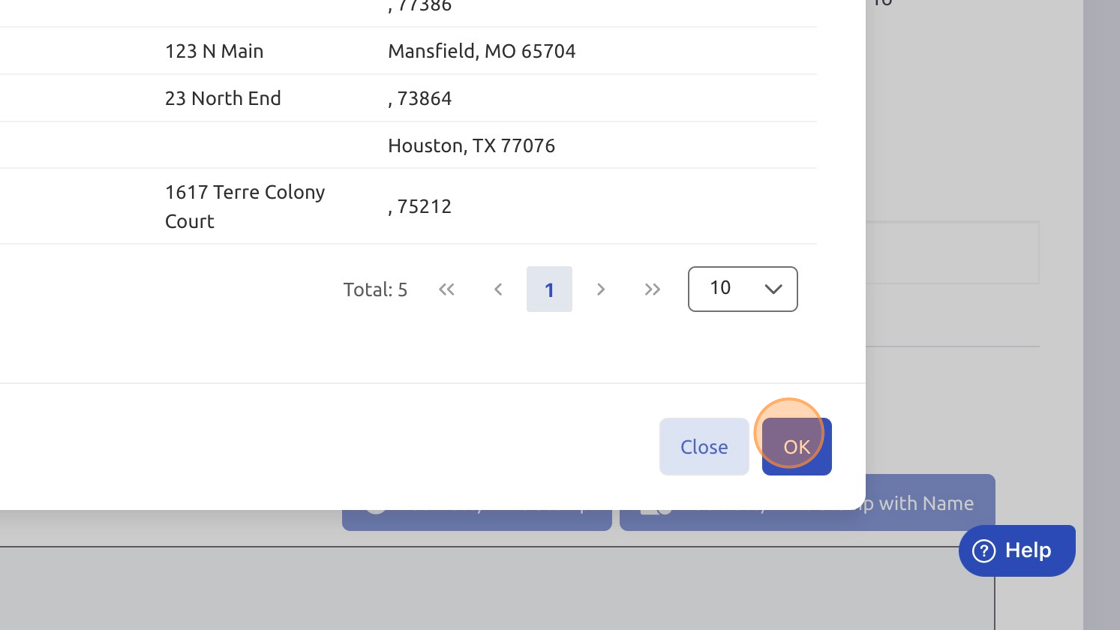
4. Click "OK"
5. Highlight invoice.
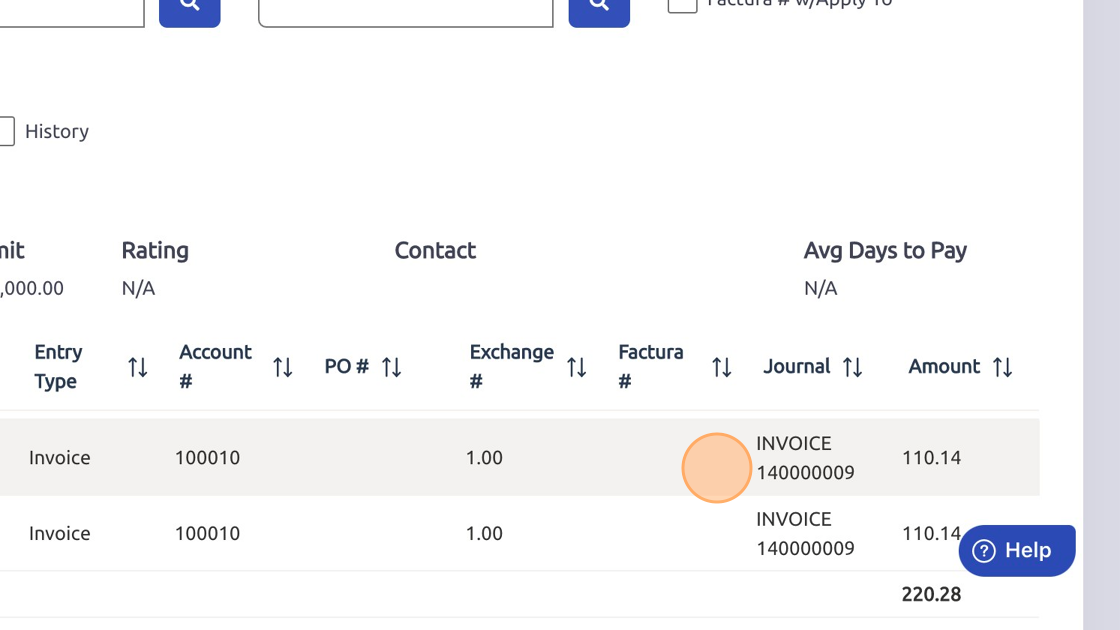
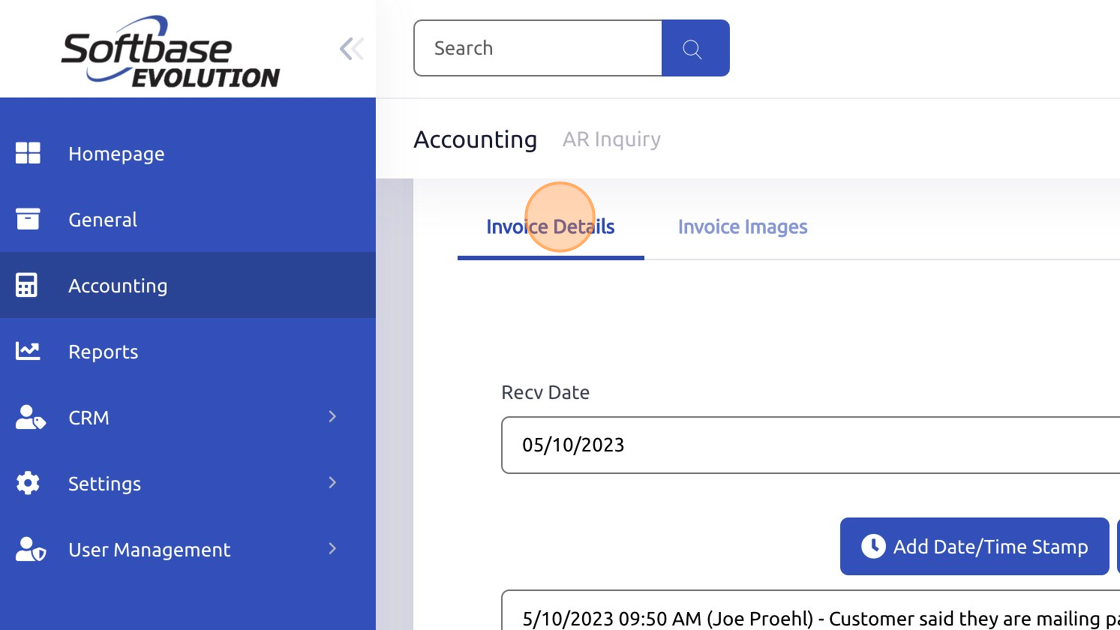
6. Click "Invoice Details"
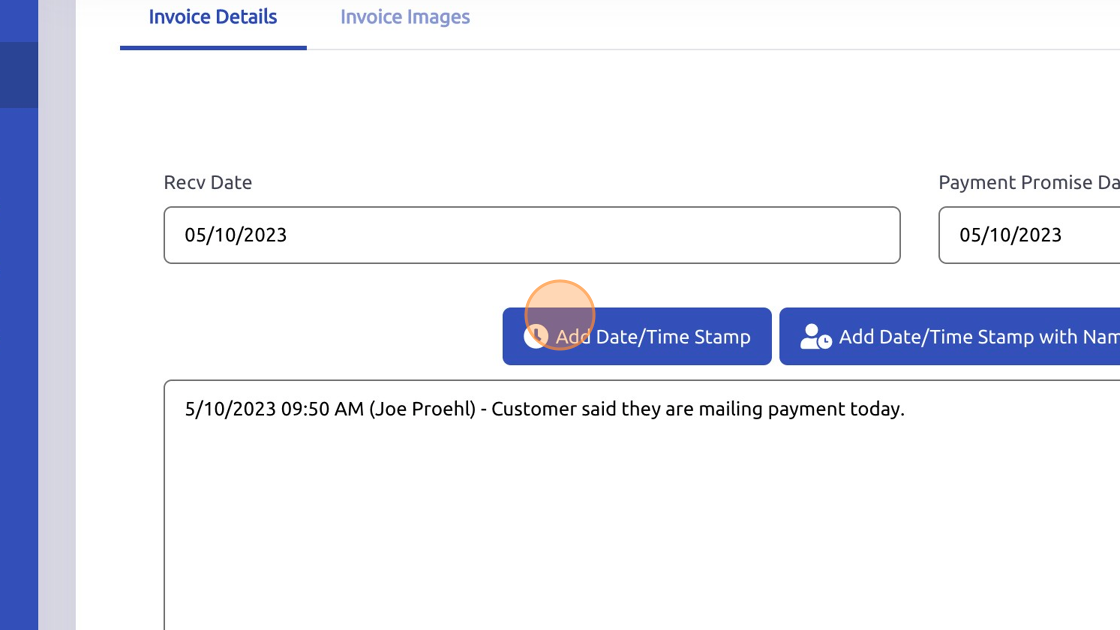
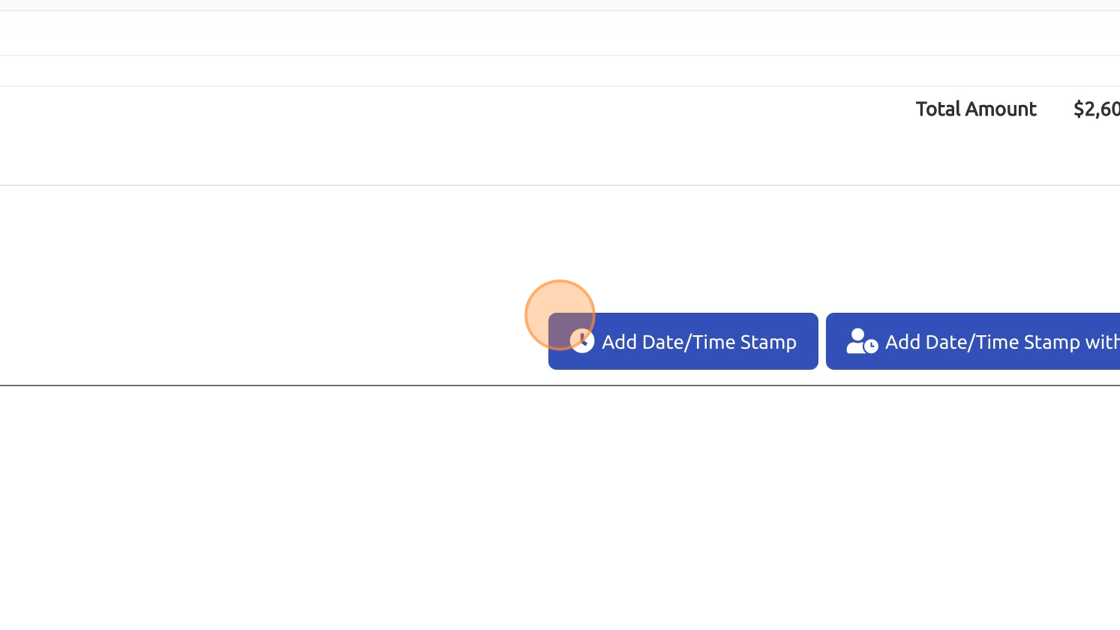
7. Click "Add Date/Time Stamp"
8. Click "Customer Comments"
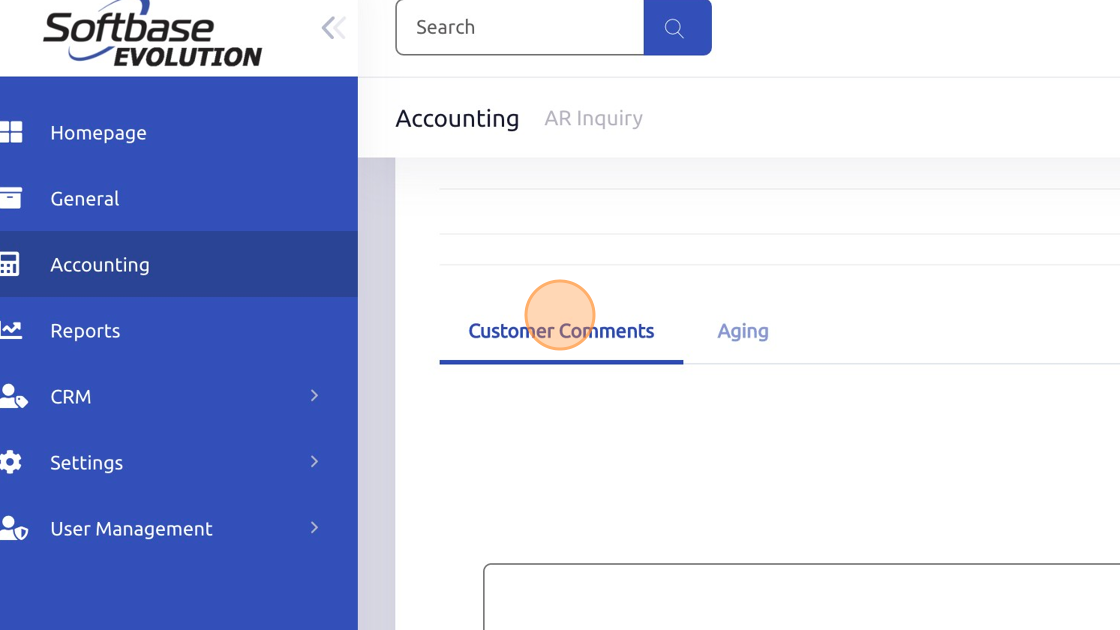
9. Click "Add Date/Time Stamp"
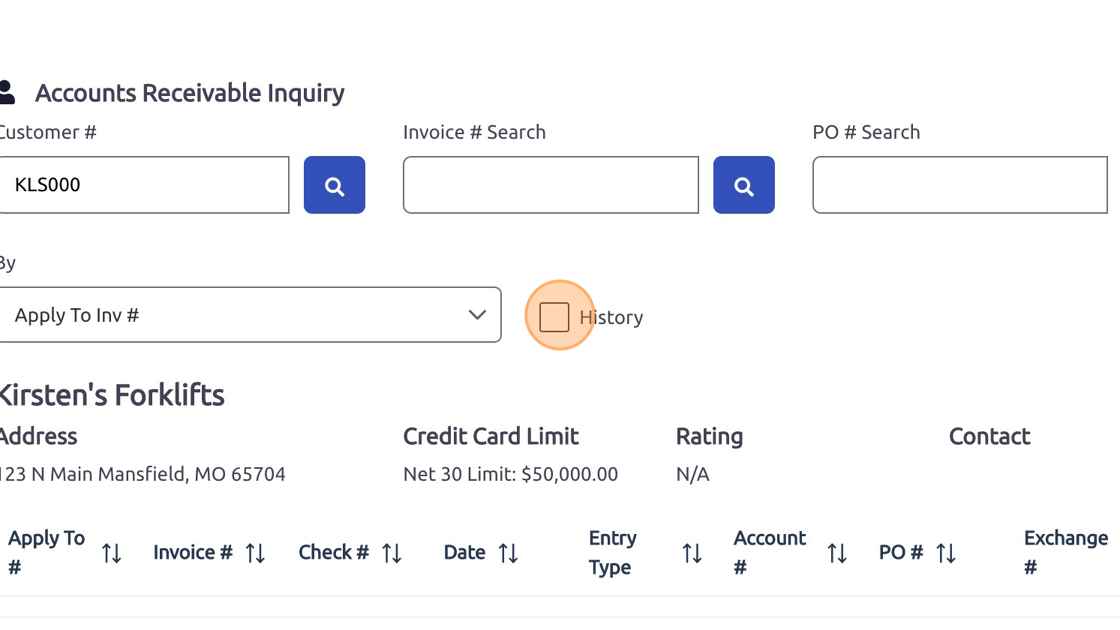
10. Select "History" checkbox to view invoices that have been paid and are now in history.
**Note - When inputting the dates on the History view only transactions that happened within that date range will be returned in the data grid.**
Was this article helpful?
That’s Great!
Thank you for your feedback
Sorry! We couldn't be helpful
Thank you for your feedback
Feedback sent
We appreciate your effort and will try to fix the article