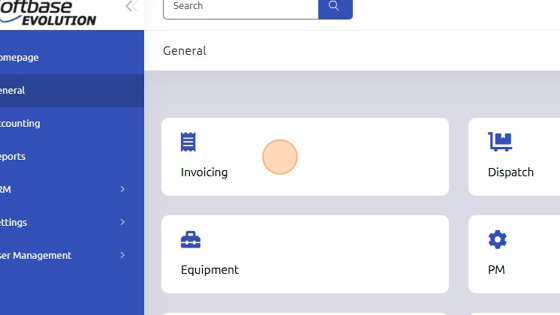
1. Open Invoicing from General page.
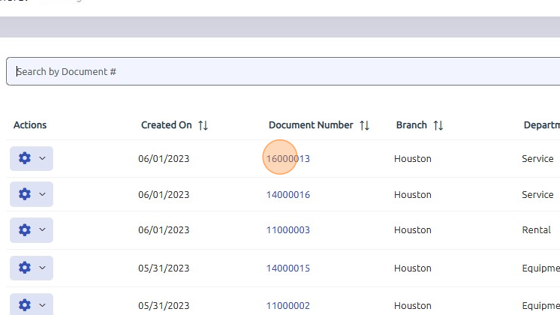
2. Open existing work order.
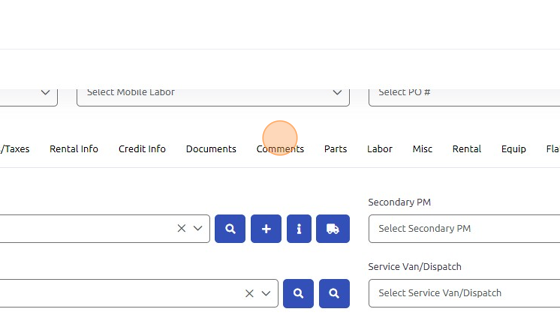
3. Click "Comments" tab.
4. Comments typed in first box, Enter Document Comments, will show on invoice for customer.
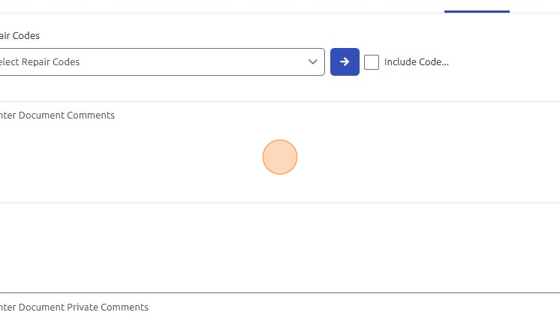
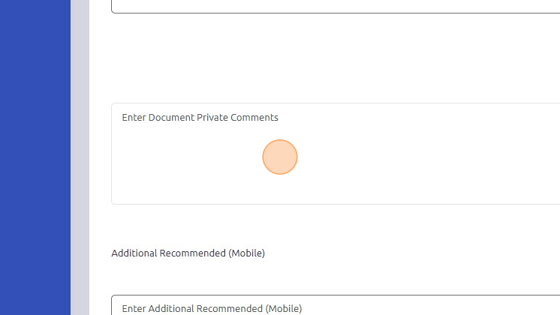
5. Comments typed in middle box, Enter Document Private Comments, are intended for internal use and will not be seen by customer.
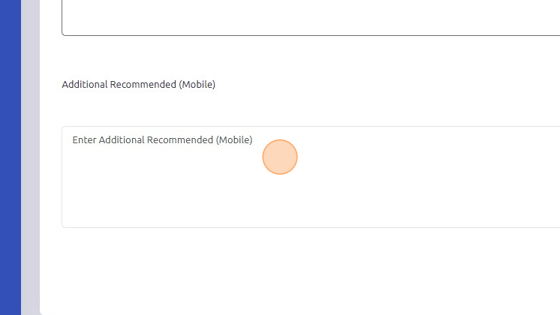
6. Comments entered in bottom box, Enter Additional Recommended (Mobile), are saved to the equipment record that is on the Service1 tab of the document. These comments can be seen by the technician in the mobile app and also the technician in the mobile app can add, edit, or delete these comments. Any information entered here will print on the recap document from mobile and the invoice.
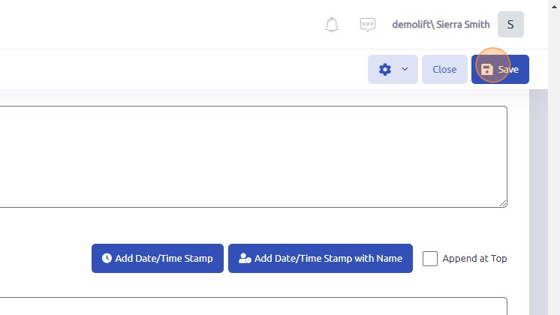
7. Click here to save comments to work order.
Was this article helpful?
That’s Great!
Thank you for your feedback
Sorry! We couldn't be helpful
Thank you for your feedback
Feedback sent
We appreciate your effort and will try to fix the article